All your storage, together
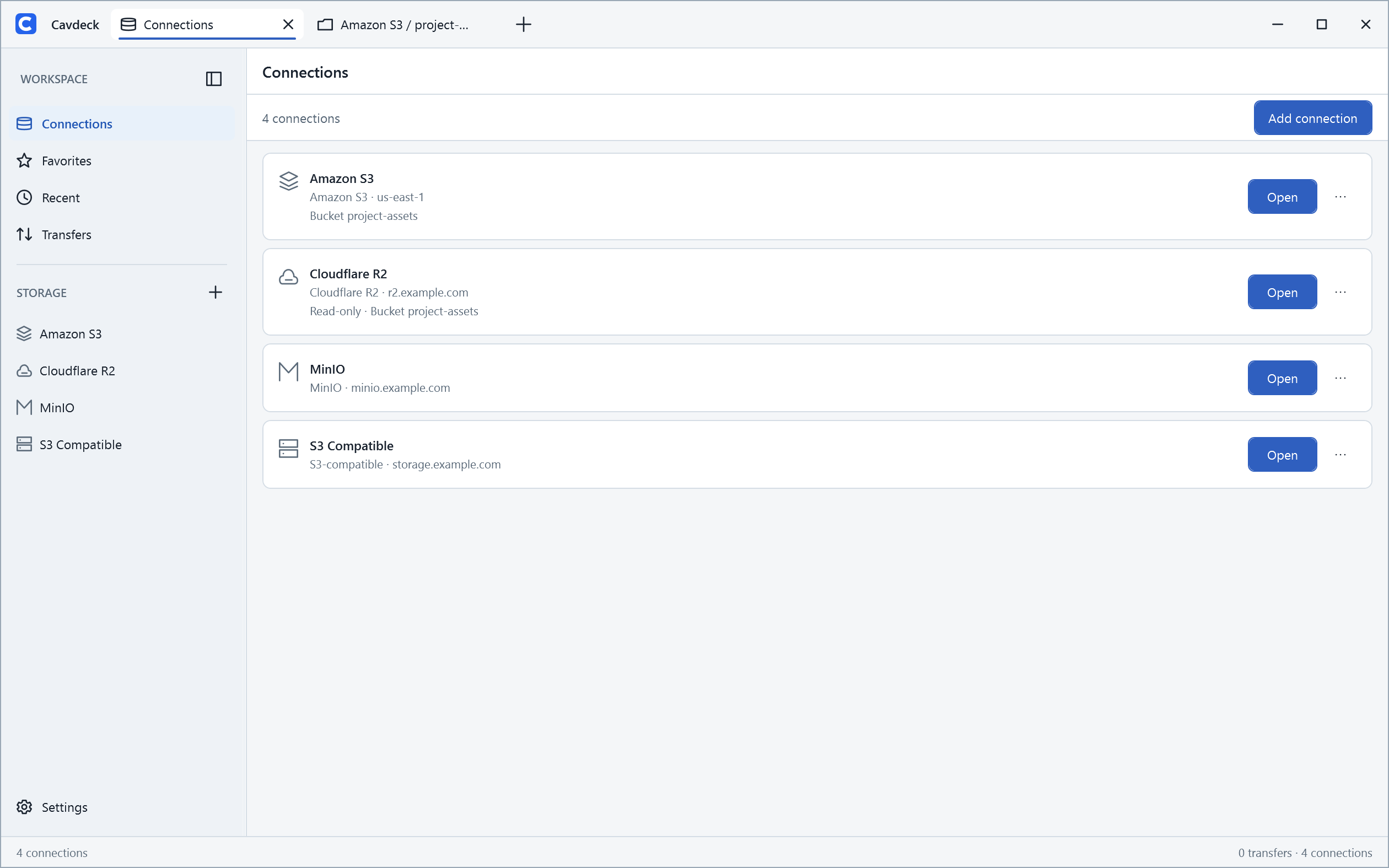
Connect Amazon S3, Cloudflare R2, MinIO, and custom endpoints. Switch between saved connections without losing your place.
OPEN SOURCE · BUILT FOR WINDOWS
A modern, free and open-source Windows desktop client for managing Amazon S3, Cloudflare R2, MinIO, and other S3-compatible storage. Browse, organize, preview, and move objects across buckets and providers in one calm workspace.
Windows desktop app · Free and open source · No account required
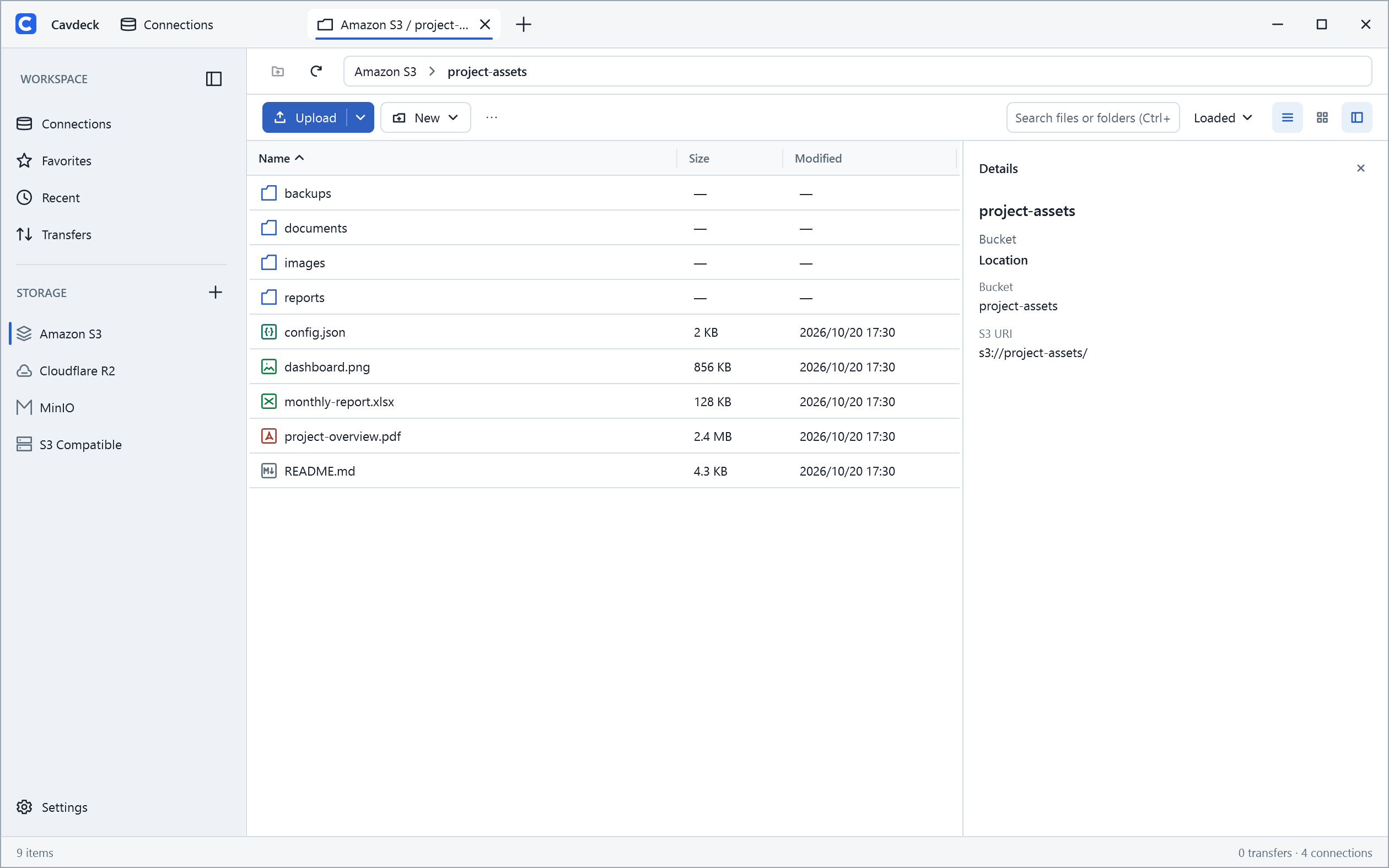
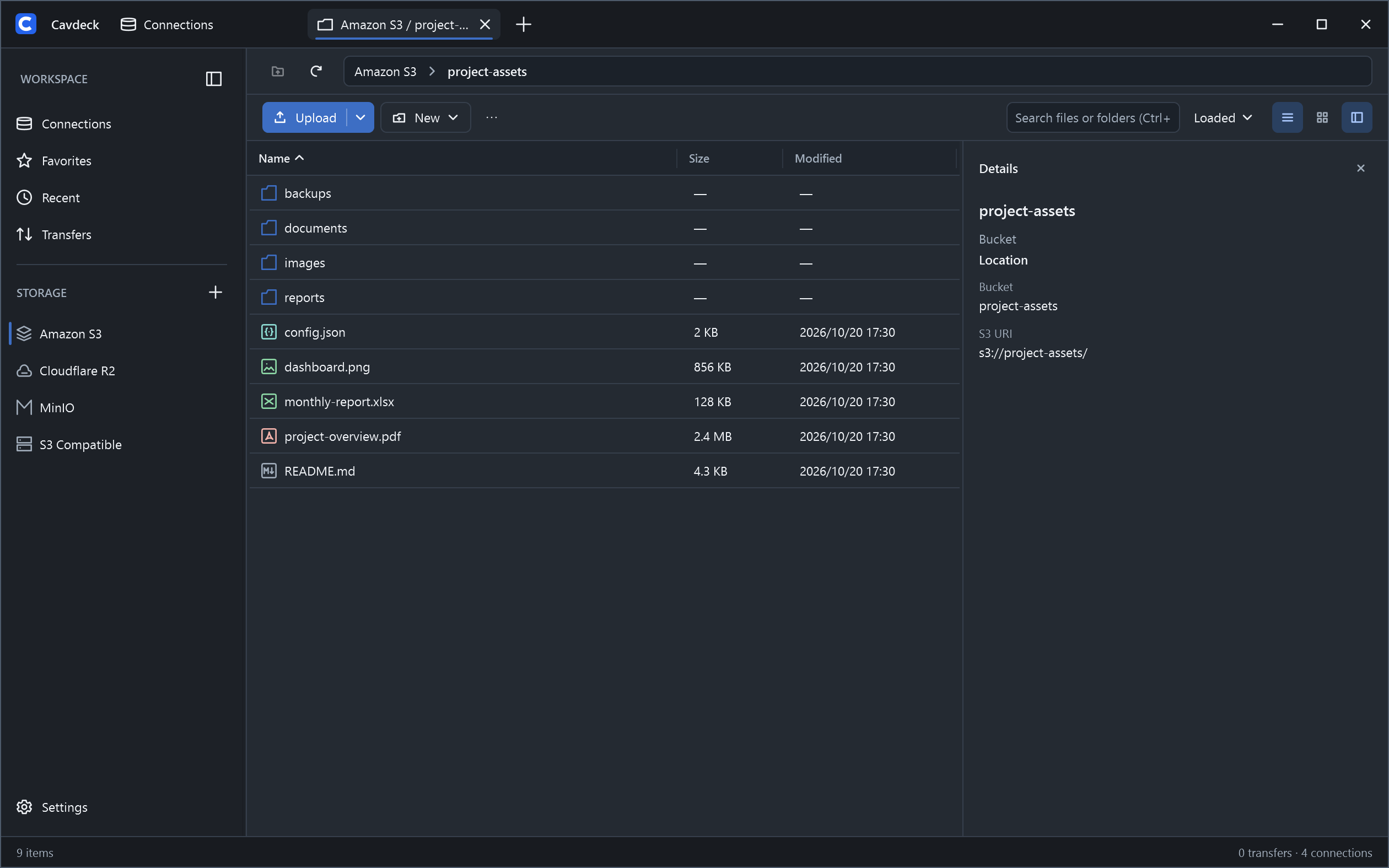
Keep your buckets and endpoints side by side, without jumping between consoles.
THE ESSENTIALS, DONE WELL
Familiar file management, with the tools you need for working with object storage.
Connect Amazon S3, Cloudflare R2, MinIO, and custom endpoints. Switch between saved connections without losing your place.
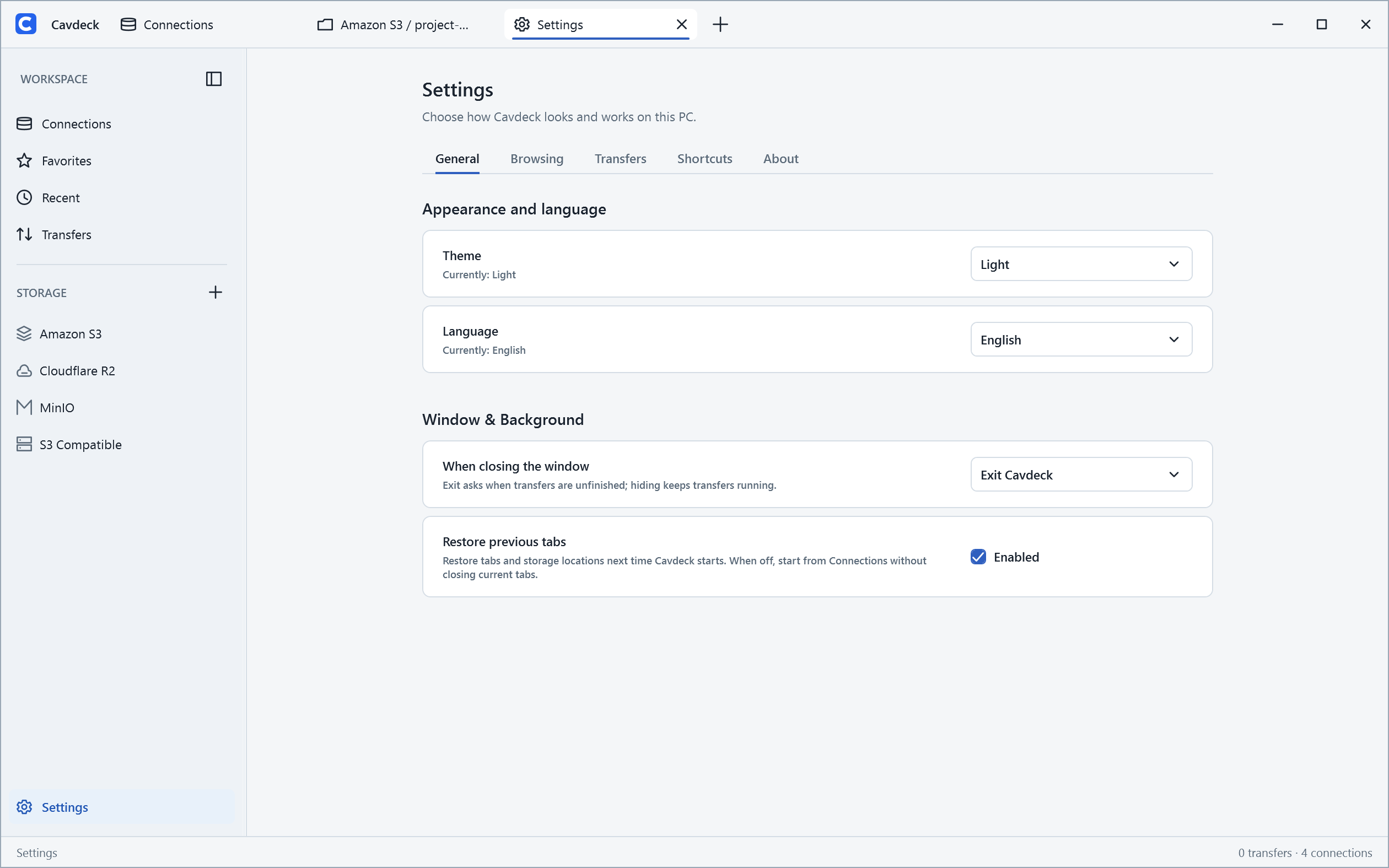
Navigate with tabs and breadcrumbs, search and sort objects, and choose the view that fits the job.
Drag and drop uploads, download folders, and follow progress, retries, and failures from one transfer center.
Use familiar shortcuts or Copy to… across buckets and connections, with explicit conflict choices.
Preview text, images, and PDFs, inspect object details, and edit supported text files in place.
Use read-only connections and bucket or prefix restrictions. Credentials are kept in Windows Credential Manager.
LESS CONTEXT SWITCHING
Bring the storage you use into one organized workspace. Open your destinations in tabs, jump back to favorites or recent locations, and stay focused on the task—not the provider console.
UP AND RUNNING
The same familiar rhythm, whether you work with a single bucket or several providers.
Choose a provider, enter your endpoint and credentials, then test the connection.
Open a bucket, move through folders, and use tabs, search, and sorting to navigate.
Drag files in, download folders, preview content, or copy and move across locations.
A CLOSER LOOK
Real views from Cavdeck—clean, practical, and made for everyday work.
CONTROL THAT STARTS WITH YOU
Cavdeck is a desktop client, not a hosted storage service. It connects from your Windows PC to the endpoints you configure, while your storage provider remains in control of access.
Read the security and privacy notesConnect from your PC to configured S3-compatible endpoints—without routing your files through a Cavdeck service.
Connection credentials are stored in Windows Credential Manager. No Cavdeck account is needed.
Use read-only connections or limit access to a bucket and key prefix. Your provider's permissions remain authoritative.
Yes. Cavdeck is free to use and is licensed under GPL-3.0-or-later. You can review the source code and contribute on GitHub.
Cavdeck works with Amazon S3, Cloudflare R2, MinIO, and other S3-compatible endpoints. Individual features depend on the provider and your permissions.
Cavdeck connects directly from your computer to your configured storage endpoints. Connection credentials are stored in Windows Credential Manager; there is no Cavdeck account.
Yes. Copy and move operations can span buckets or connections. Cross-connection transfers pass through your computer and may incur provider request or transfer charges.
Cavdeck is a Windows desktop application. Windows 11 is its primary testing target; the published installation guidance covers Windows x64. Check GitHub Releases for available builds.
READY FOR A BETTER WORKFLOW?
Explore the releases or get involved in building a better, open-source S3 explorer for Windows.